
DHL Malaysia provides a detailed tracking system that updates each stage of a shipment’s journey, from pickup to final delivery. Every status update reflects the parcel’s current location, processing stage, or required action, helping recipients understand exactly what is happening during transit.
DHL operates both domestic and international logistics networks, including air hubs, regional sort facilities, and customs clearance centers. The following guide explains the most common DHL Malaysia tracking statuses and what each one means.
Key DHL Malaysia Shipment Tracking Statuses
Shipment Information Received
Shipping details have been created, but the parcel has not yet been handed over to DHL.
Picked Up
The parcel has been collected by a DHL courier or dropped off at a DHL point.
Processed at Facility
The shipment is being sorted at a DHL facility within Malaysia, such as Kuala Lumpur, Penang, or Johor processing centers.
Departed Facility
The parcel has left a DHL facility and is moving to the next processing hub or airport.
Arrived at Sort Facility
The shipment has reached a domestic or international sorting hub, such as Singapore, Hong Kong, or Leipzig, depending on route.
International DHL Malaysia Tracking Statuses
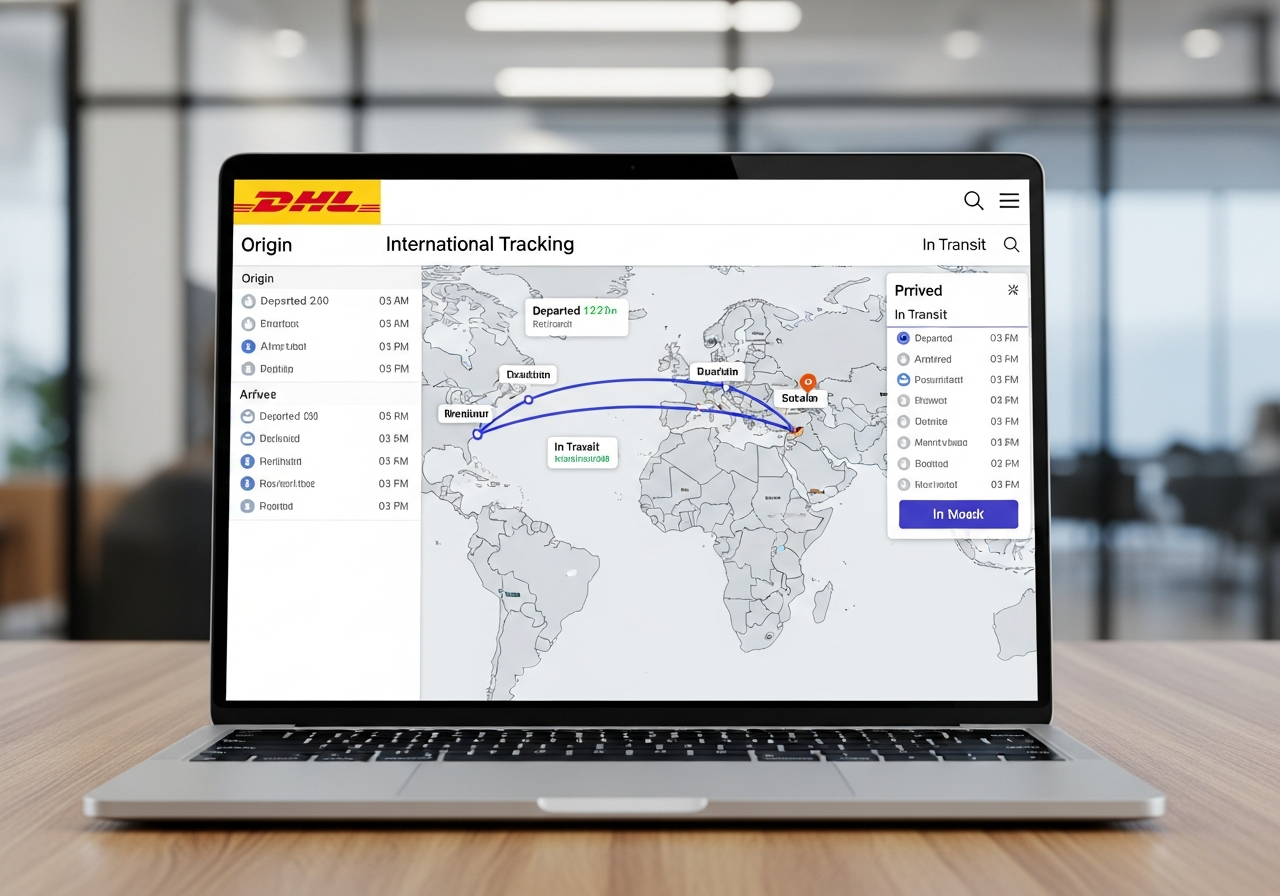
Customs Clearance in Progress
Customs officers are reviewing shipment details, documents, and product information. Additional paperwork may be required.
Clearance Completed
Customs procedures are finished, and the parcel is cleared for further transport.
Transferred Through Transit Hub
The shipment is passing through intermediary countries or logistics hubs before reaching Malaysia or its destination.
Delivery-Stage Tracking Statuses
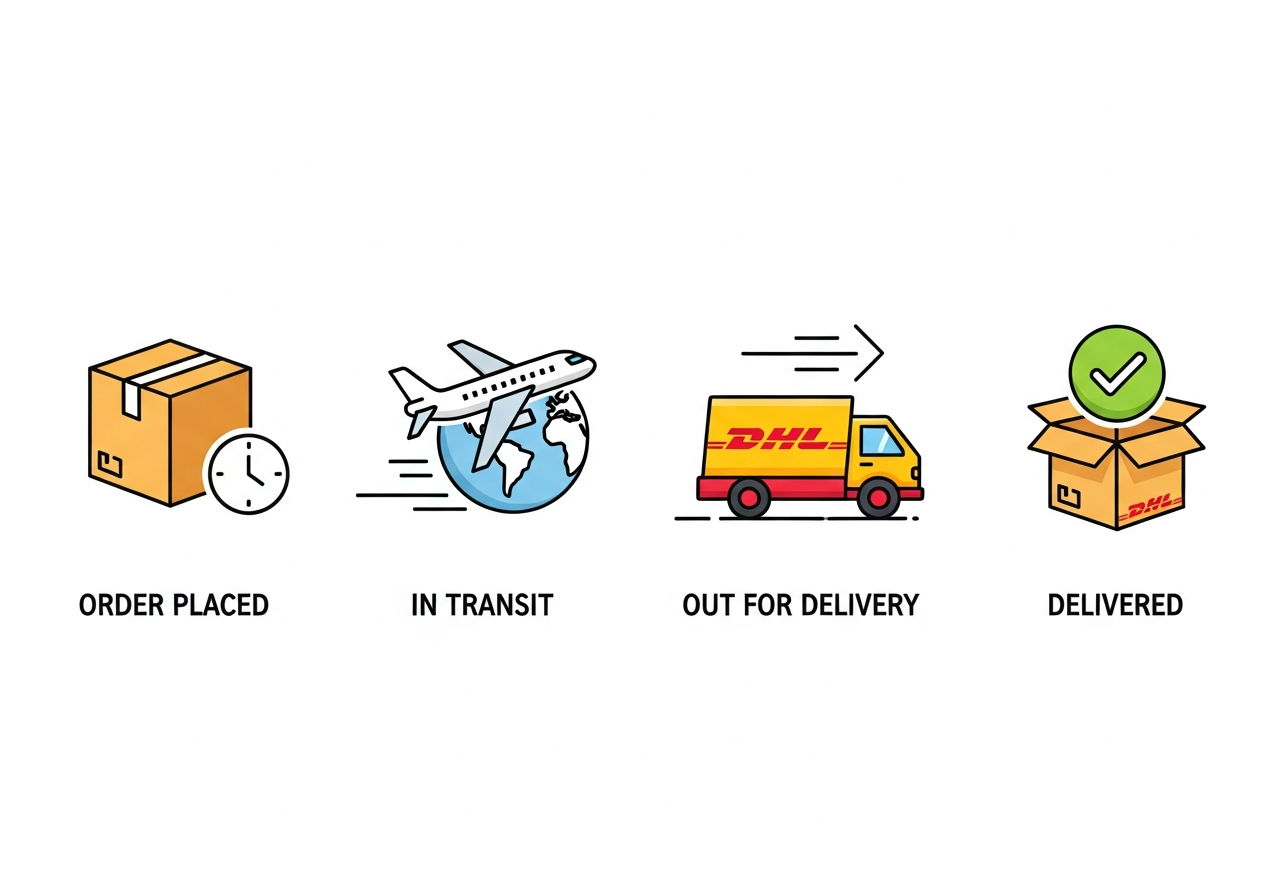
With Delivery Courier
The parcel is out for delivery and expected to arrive the same day.
Delivery Attempted
The courier attempted delivery but could not complete it due to recipient unavailability, restricted access, or incorrect address details.
Delivered
The delivery has been completed successfully. Digital signatures or proof-of-delivery details may be available.
Delay or Exception Statuses
Shipment on Hold
The parcel is temporarily stopped due to network delays, weather issues, customs checks, or incomplete shipping documents.
Address Information Required
DHL requires updated or clarified address details in order to continue delivery.
Returned to Shipper (RTS)
The parcel is being returned to the sender after repeated failed delivery attempts or unresolved customs/address issues.
How to Track a DHL Malaysia Shipment
Tracking Methods
- DHL Express Tracking Page — for Express and international shipments
- DHL eCommerce Tracking Page — for standard cross-border eCommerce parcels
- DHL Mobile App — provides live notifications and scan updates
- SMS / Email Alerts — depending on shipment settings
On-Demand Delivery (ODD)
DHL’s ODD platform allows recipients to:
- Redirect parcels to a ServicePoint
- Reschedule delivery
- Request delivery to a neighbour
- Authorize drop-off (where permitted)
Tips for Understanding DHL Malaysia Tracking
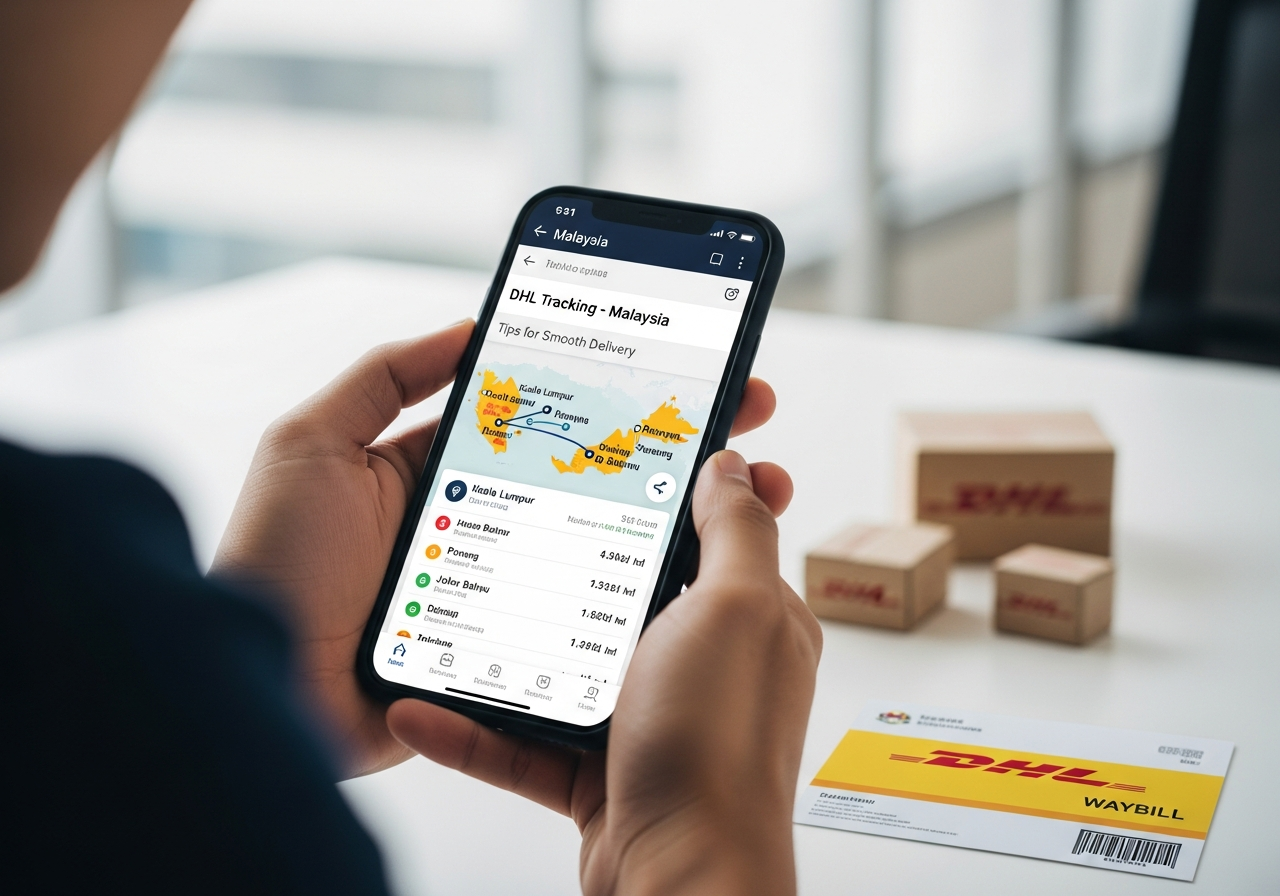
- Check whether the parcel is shipped via DHL Express or DHL eCommerce, as both use different systems.
- Review customs-related statuses carefully for international shipments.
- Monitor for Delivery Attempted updates to avoid return or holding delays.
- Expect limited scan activity during long-haul flights or ground transfers.
- Ensure phone numbers and address details are accurate for smooth delivery.
Conclusion
DHL Malaysia’s tracking system provides visibility for every step of the shipping journey. Each status update—whether related to processing, customs, transit, or delivery—offers clear insight into where the parcel is and what stage it has reached. Understanding these tracking terms helps recipients anticipate delivery timelines, respond to issues promptly, and maintain a smooth shipping experience across domestic and international routes.

 English
  Chinese